How to Choose the Right Google Business Profile Category (Primary and Secondary) in 2026
By the Amica Solutions Team · Published 19 November 2026 · Google facts checked 19 November 2026 against Google’s own Help pages. Amica Solutions builds Amica Directory and these free tools, so the screenshots are from our own tools and our own listing.
Choose the most specific Google Business Profile primary category that describes your main business, add only a few true secondary categories, and use the test “This business IS a…”, not “HAS a…”. Categories are not keywords. If Google shows only a general type like “Services”, your category is too vague.
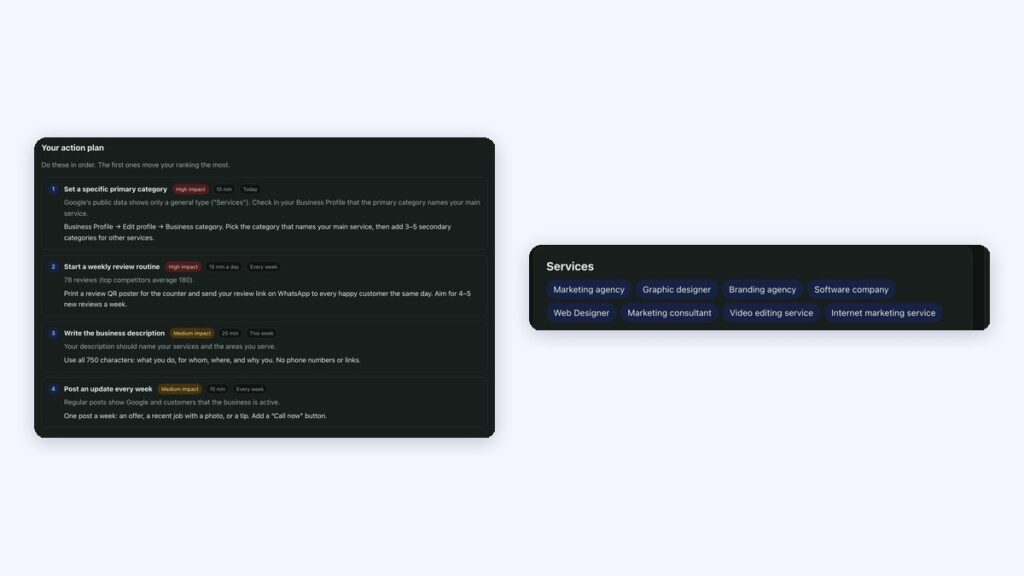
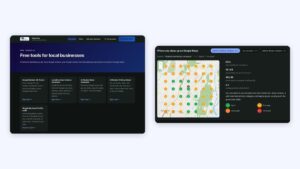
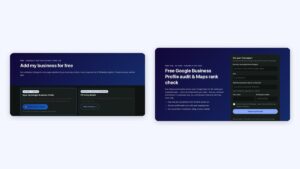
Our own audit’s first fix was the primary category (left); services from our profile (right). Screenshots: Amica Directory, 19 Nov 2026.
Of all the fields in a Business Profile, the primary category is the one that most often decides whether you appear for your main service at all. It takes one minute to fix and is easy to get wrong.
Key takeaways
As few categories as possible, as specific as possible.
IS a, not HAS a.
Categories are not keywords.
Our own audit’s first fix was the category.
Check what Google actually shows.
What are Google's rules for categories?
Google’s guidelines say: “Use as few categories as possible to describe your overall core business”, choose categories that are “as specific as possible, but representative of your main business”, and pick categories that complete the sentence “This business IS a”, not “This business HAS a” (Google guidelines). Categories are not keywords, and you should not add categories for businesses co-located with yours that you do not run.
Category examples for local businesses
Examples for common Indian local businesses:
Business
Good primary category
Possible secondary
Avoid
AC repair service
Air conditioning repair service
Air conditioning contractor
“Electronics store” if you do not sell
Coaching for defence exams
Coaching center
Educational institution
Categories for every exam name
Dental clinic
Dentist
Dental clinic
“Hospital”
Sweet shop with seating
Sweet shop
Restaurant (only if you serve meals)
“Cafe” if you have no cafe
Digital marketing agency
Internet marketing service or Marketing agency
Website designer
Ten loosely related categories
Category names vary by country; pick from the list Google shows you while editing.
How do you check and fix your category?
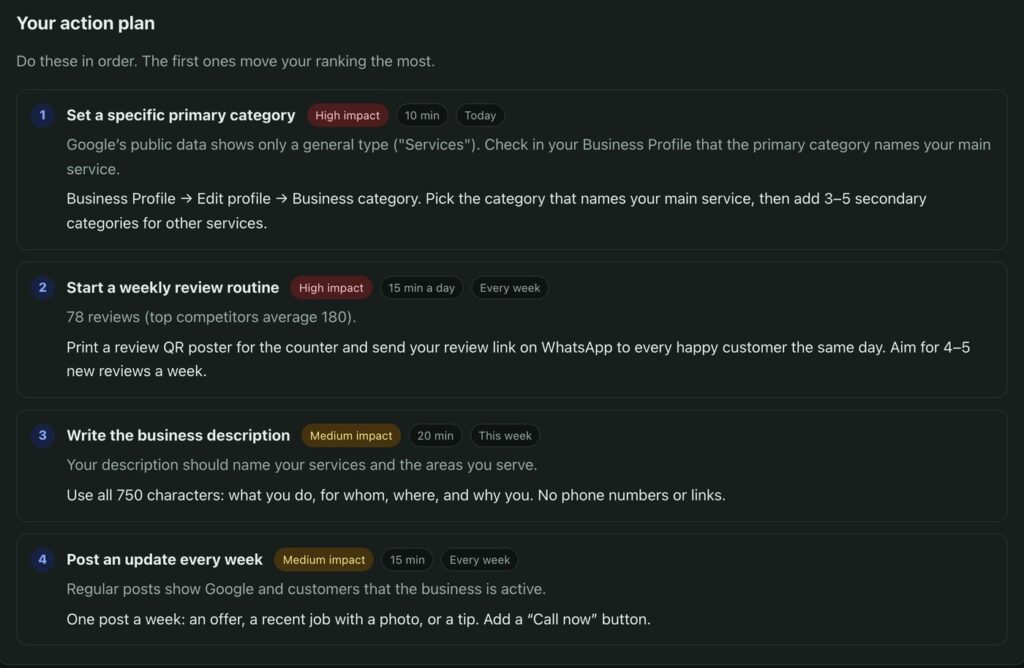
Check what Google actually shows. In our own audit, the first fix was the primary category: Google’s public data showed only a general type (“Services”). The fix was Business Profile → Edit profile → Business category, choosing the category that names our main service, then adding 3–5 other categories for other services.
Symptom
Likely category problem
You rank for your name but not your service
Primary category is too general
You appear for unrelated searches
Too many loose categories
Competitors with fewer reviews outrank you
Their category matches the keyword better
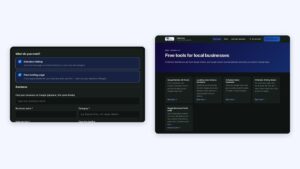
The action plan in our own audit report, with fixes in order of impact. Screenshot: Amica Directory, 19 Nov 2026.
How many categories can I add to Google Business Profile?
Google’s guidelines ask you to use as few categories as possible to describe your core business: one specific primary category plus a few secondary ones if they are true.
What is the most important category?
The primary category. It should be the most specific category that describes your main business.
Can I use keywords as categories?
No. Google’s guidelines say not to use categories as keywords or to describe attributes.
How do I change my category?
Open your Business Profile, choose Edit profile, then Business category, and save.
How do I know which category Google shows?
Look under your business name on Google, or request the free Amica audit, which reads your public category.