Google Business Profile Special Hours and Holiday Hours: How to Set Them Right (2026)
By the Amica Solutions Team · Published 19 November 2026 · Google facts checked 19 November 2026 against Google’s own Help pages. Amica Solutions builds Amica Directory and these free tools, so the screenshots are from our own tools and our own listing.
Set special hours from your Business Profile: Edit profile, Hours, then Special hours, pick the date and enter the hours or mark Closed. Use temporarily closed if you are shut for 7 or more days in a row. Keep regular hours to your real customer-facing hours; “Open 24 hours” only if you truly are.
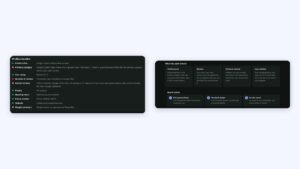
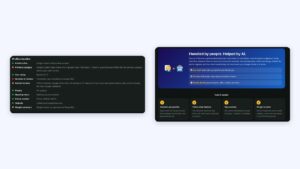
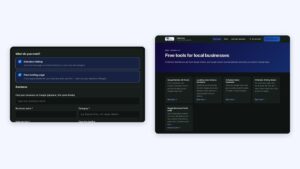
Opening hours in our audit checklist (left) and what the audit checks (right). Screenshots: Amica Directory, 19 Nov 2026.
A customer drives across town on Diwali morning because Google said you were open. You were not. That one wrong line costs a sale and earns a one-star review.
Key takeaways
Special hours change one date without changing regular hours.
Confirm hours on official holidays.
7+ days closed: temporarily closed.
Real customer hours only.
Plan festival hours in advance.
How do you set special or holiday hours?
Special hours change your hours for a short period, such as a holiday or event, without changing your regular hours (Google Business Profile Help).
Step
What to do
1
Open your Business Profile and select Edit profile, then Hours
2
Next to Special hours, select Edit
3
Pick the date, enter the hours or mark Closed
4
Save; for many dates, use the bulk spreadsheet option
Google notes: special hours only show if your hours are set to “Open with main hours”; one set of special hours cannot exceed 24 hours, so overnight hours must be split; and “confirming” means entering special hours for an official holiday even when they match your regular hours, which tells customers your holiday hours are accurate.
Special hours or temporarily closed?
Special hours or temporarily closed?
Situation
Use
Closed for one festival day
Special hours: Closed
Short hours on a holiday
Special hours with the changed times
Closed for 7 or more days in a row, or unknown period
Temporarily closed (Google’s guidance)
Seasonal business in the off-season
Temporarily closed
Open by appointment only
Google says such businesses should not list hours
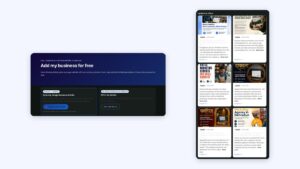
The four areas the audit checks, and how it works in three steps. Screenshot: Amica Directory, 19 Nov 2026.
What are the rules for regular hours?
Regular hours must be your real customer-facing hours. Google’s guidelines say “Provide your regular customer-facing hours of operation” (Google guidelines). “Open 24 hours” is only for businesses that really are; a wrong 24-hour listing sends customers to a locked door. Plan special hours ahead for Diwali, Holi, Eid, Christmas, Republic Day and Independence Day, and for local festivals in your city.
Our free audit checks that opening hours are listed, and our management plans keep hours and holiday hours up to date.