Google Business Profile Audit Checklist: 15 Checks Before You Spend on Ads (2026)
By the Amica Solutions Team · Published 19 November 2026 · Google facts checked 19 November 2026 against Google’s own Help pages. Amica Solutions builds Amica Directory and these free tools, so the screenshots are from our own tools and our own listing.
A Google Business Profile audit checks your profile against Google’s guidelines: real name without keywords, a specific primary category, true hours and special hours, your own phone and website, a description without links, real photos, replied-to reviews, recent posts and your map position. Use the 15-point checklist below, or request the free Amica audit to check it for you.
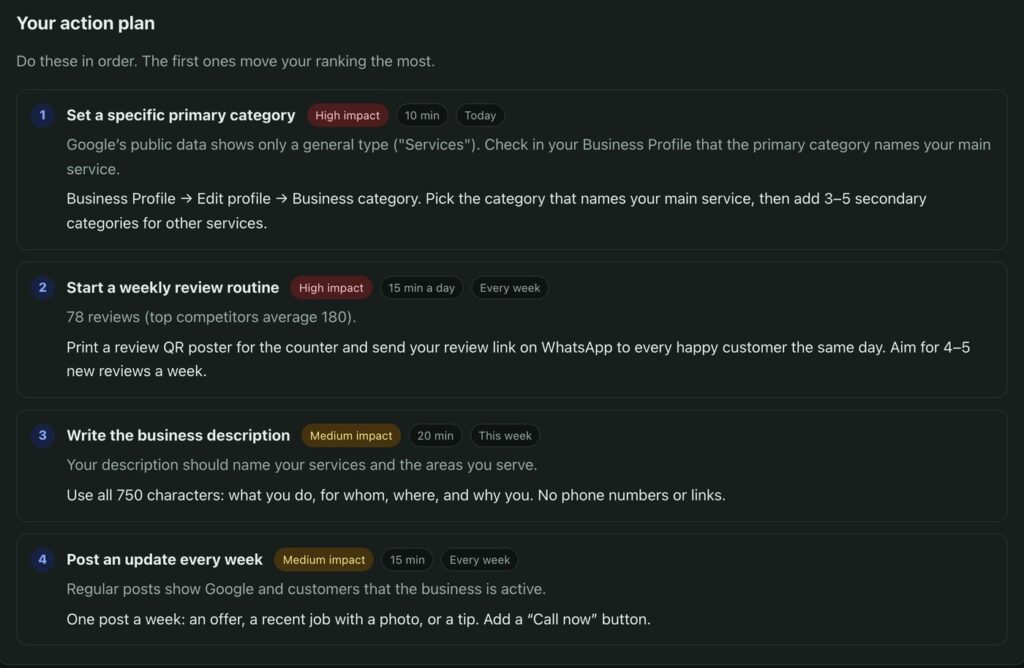
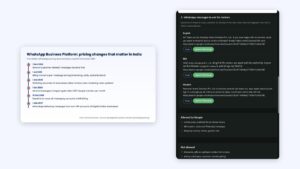
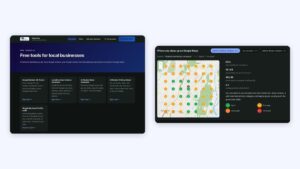
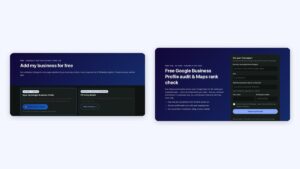
The checklist from our own audit (left) and the free audit form (right). Screenshots: Amica Directory, 19 Nov 2026.
Many businesses we meet are about to spend on Google Ads while their free profile still has the wrong category, no description and reviews nobody answered. Fixing those first is cheaper and often brings calls on its own.
Key takeaways
- Check name, category, hours, contact, description, photos, reviews, posts.
- Every item maps to a Google rule or tip.
- Check map position from more than one spot.
- Audit monthly.
- The free audit adds a rank grid and a top-3 comparison.
What should a Google Business Profile audit check?
Use this checklist once a month. Each item comes from Google’s guidelines or its local ranking tips.
| # | Check | Google’s rule or tip |
|---|---|---|
| 1 | Profile is verified | Verification signals you are authorised to represent the business |
| 2 | Name is the real-world name, no keywords | “Including unnecessary information in your business name isn’t permitted” |
| 3 | Primary category is specific | “As specific as possible, but representative of your main business” |
| 4 | Address is precise; no keywords in address lines | No information unrelated to the location |
| 5 | Phone connects to this location | Local number, under the business’s control |
| 6 | Website is your own page, not social media | No redirecting URLs |
| 7 | Regular hours are real customer hours | “Provide your regular customer-facing hours” |
| 8 | Special hours set for holidays | Shows customers holiday hours are accurate |
| 9 | Description names services and areas, no links | “No links of any type are allowed” |
| 10 | Services or products added | Helps relevance |
| 11 | Real photos: logo, cover, inside, team | JPG or PNG, 10 KB to 5 MB, 720×720 recommended |
| 12 | Recent reviews, all replied to | Replies show you value feedback |
| 13 | Posts in the last month | Updates, offers or events |
| 14 | Attributes such as parking or Wi-Fi | Listed in Google’s ranking tips |
| 15 | Map position checked around your area | Distance affects ranking; check more than one spot |
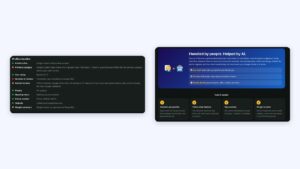
The profile checklist from our own audit report. Screenshot: Amica Directory, 19 Nov 2026.
What does the free audit add?
The free Amica audit checks most of this automatically and adds what you cannot see from your own phone: your map position from 25 spots around you and how you compare with the top 3. It reads your public profile through Google’s official Places API, scores 10 profile checks, and lists fixes in order of impact. Our team checks every request and sends the report on WhatsApp.
| Audit section | What it shows |
|---|---|
| Profile health score | 10 checks with plain-language fixes |
| Map rank grid | Your position for 1–2 keywords from spots 1 km apart |
| You vs top 3 | Rating, review count and website against nearby leaders |
| Action plan | Fixes in order of impact |
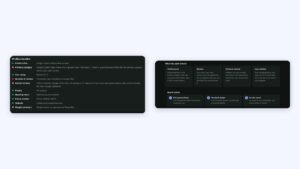
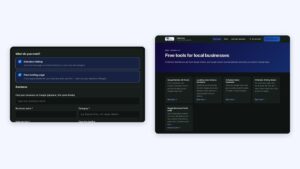
The four areas the audit checks, and how it works in three steps. Screenshot: Amica Directory, 19 Nov 2026.
What did our own audit find?
What our own audit found. We ran it on our own profile. The action plan’s first item was the primary category: Google’s public data showed only a general type, so the fix was to pick the category that names our main service. The checklist also flagged that, of the five reviews Google shows first, the newest was 121 days old. Neither was visible from our dashboard at a glance.
The action plan in our own audit report, with fixes in order of impact. Screenshot: Amica Directory, 19 Nov 2026.
Request your audit
Free tool: Free Google Business Profile audit
Pick your business, add up to 2 keywords, and get a profile score, a map rank grid, a top-3 comparison and an action plan on WhatsApp.
Frequently asked questions
What is a Google Business Profile audit?
A check of your profile against Google’s guidelines and ranking tips: name, category, hours, contact details, photos, reviews, posts and map visibility.
How often should I audit my profile?
Once a month, and after any big change such as new hours, a move or new services.
Is the Amica audit free?
Yes. There is no charge and no card. The report is sent on WhatsApp.
Where does the audit data come from?
From Google’s official Places API, reading your public profile and search results around your location.
What is the most common problem in audits?
In our experience, a vague primary category, missing description, old reviews and keyword-stuffed names are common.