Google Business Profile Performance Report: Which Numbers Matter Each Month (2026)
By the Amica Solutions Team · Published 19 November 2026 · Google facts checked 19 November 2026 against Google’s own Help pages. Amica Solutions builds Amica Directory and these free tools, so the screenshots are from our own tools and our own listing.
The Google Business Profile performance report shows views, the search terms people used, calls, messages, bookings, directions and website clicks. Track calls, directions, website clicks, top search terms and views every month, compare with last month and last year, and pair it with a map rank check.
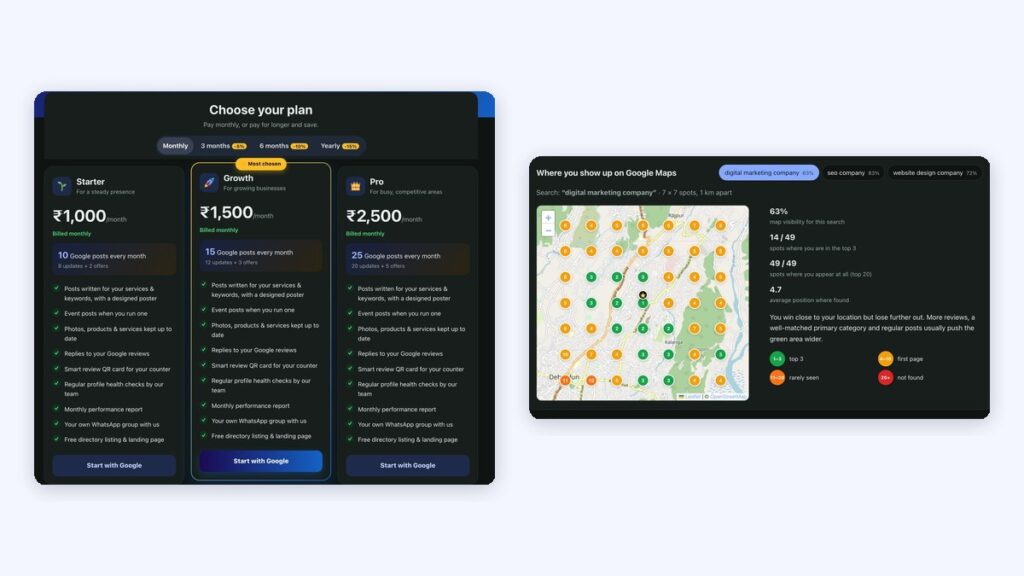
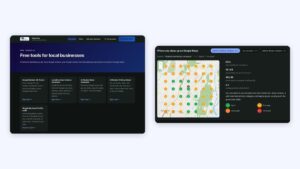
Monthly reports on our plans (left) and the rank grid from our own audit (right). Screenshots: Amica Directory, 19 Nov 2026.
“Is my Google profile actually bringing customers?” The performance report answers that, if you look at the right numbers and ignore the vanity ones.
Key takeaways
Calls, directions, website clicks matter most.
Search terms show what customers call you.
Views are unique visitors per day.
Download from Business Profile Manager.
Add a rank grid for position.
What does each performance metric mean?
Google’s Business Profile performance report shows how people found and contacted you. Here are the metrics in Google’s own words (Google Business Profile Help):
Metric
Google’s definition
Interactions
“A summary of all your total interactions”
Calls
Times a customer clicked the call button on your profile
Messages
“The number of different conversations through messages”
Bookings
Bookings completed through a booking provider
Directions
“How many people asked for directions to your business”
Website clicks
Clicks on the website link on your profile
Searches
“The search terms people used to find your business” (updates monthly, up to 5 days late)
Views
People who viewed your profile on Search and Maps (unique visitors, once a day)
Which numbers should you track monthly?
Track five numbers every month and compare with the month before and the same month last year.
Number
Why it matters
If it drops
Calls
Closest to real enquiries
Check hours, phone number and recent reviews
Directions
Footfall intent
Check address and map pin
Website clicks
Interest in details
Check the website link and page speed
Top search terms
What people call you
Add those services and words to your profile
Views
Overall visibility
Check category, posts and seasonality
How do you download and use the report?
How to download it. Google says: in Business Profile Manager on a computer, tick the profiles, open Actions, choose Insights, pick a timeframe and click Download Report. “***” in the sheet may mean the profile is not enabled for downloads.
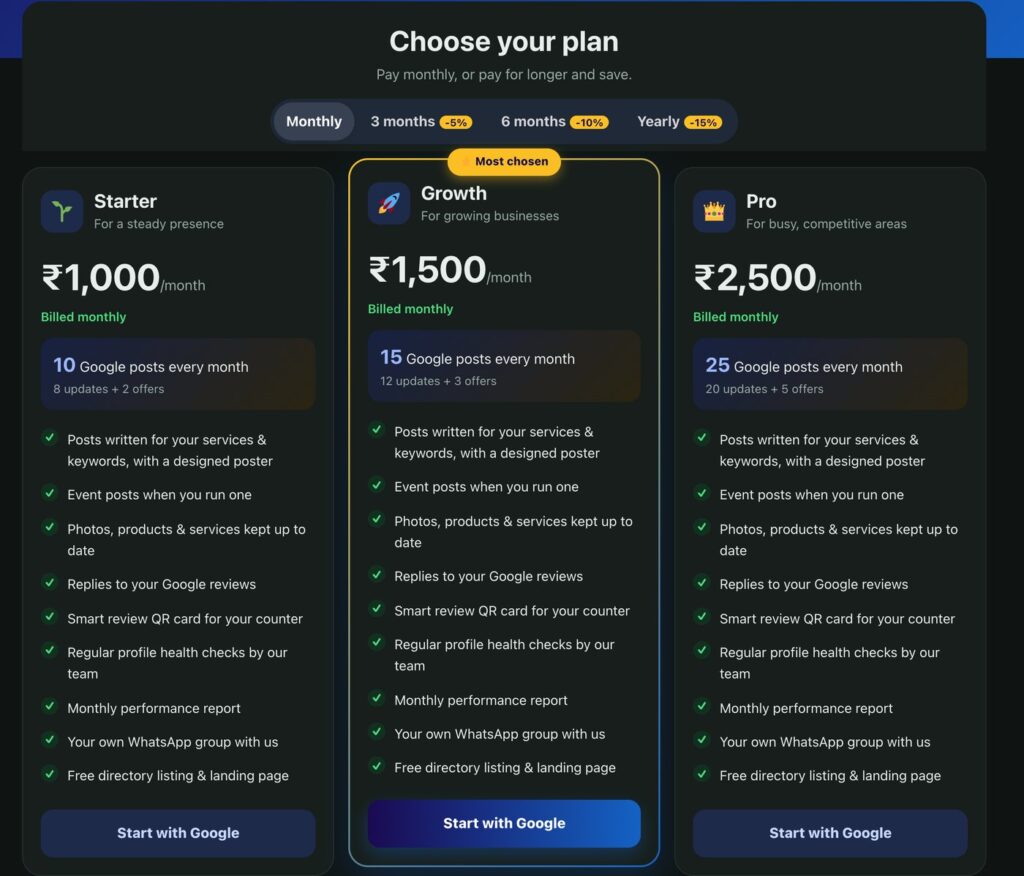
The performance report shows results, not position. Pair it with a rank check to see where you appear on the map; our free audit adds a rank grid. On our management plans, a monthly performance report is included and shared in your WhatsApp group.
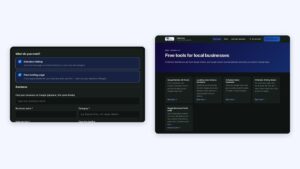
The three monthly plans and what each includes, as listed on the plans page. Screenshot: Amica Directory, 19 Nov 2026.