How to Add Products and Services to Your Google Business Profile (2026)
By the Amica Solutions Team · Published 19 November 2026 · Google facts checked 19 November 2026 against Google’s own Help pages. Amica Solutions builds Amica Directory and these free tools, so the screenshots are from our own tools and our own listing.
To add services, open your Business Profile, choose Edit services, select Google’s suggestions or add custom services, add price and description where useful, and save. Keep names plain, without prices or phone numbers in the name, which Google rejects. List the services customers actually search for.
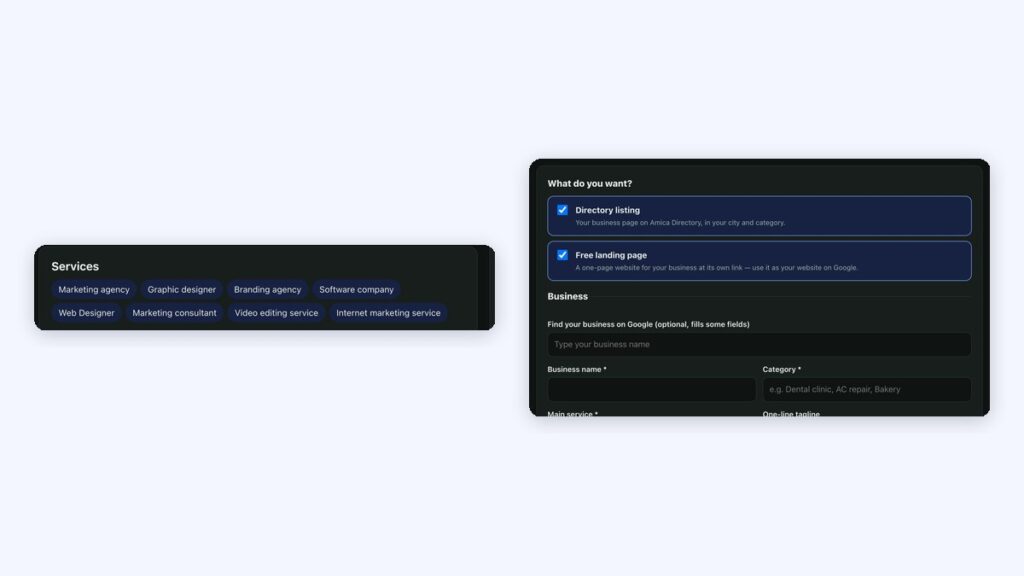
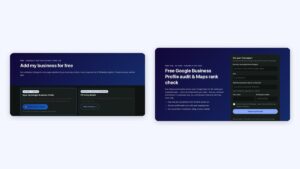
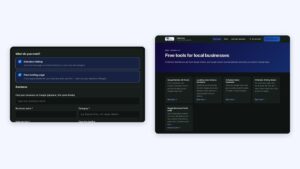
Services from our profile (left) and the add-business form (right). Screenshots: Amica Directory, 19 Nov 2026.
“Do they do root canal?” “Do they fill AC gas?” Customers ask Google these questions. A clear service list answers them before they even call.
Key takeaways
Edit services from your profile.
Plain names; no prices or phones in names.
Add price and description in details.
Use customer words.
Show them on a free landing page too.
How do you add services to your profile?
Google lets businesses in certain categories list services on their profile; suggested services depend on your business type, and you can add custom ones (Google Business Profile Help).
Step
What to do
1
Open your Business Profile and select Edit services
2
Tick the suggested services that you really offer
3
Add custom services if yours are missing
4
Add a price and a short description where useful
5
Group services under categories and save
Google’s rule for custom service names: avoid “profanity, gibberish, personal information, prices, or phone numbers”; custom services that violate policy are rejected automatically.
Examples of service and product lists
Examples of good service and product lists:
Business
Services or products
AC repair
Split AC service; Window AC service; Gas filling; Installation; Uninstallation
NDA coaching; CDS coaching; AFCAT coaching; Test series; Interview guidance
Shop
Products with photos and prices: TVs, fridges, washing machines
Use the words customers search, one service per line, without stuffing city names into every item.
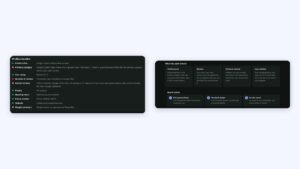
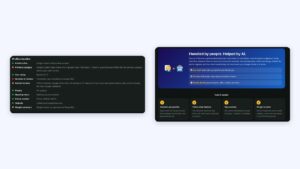
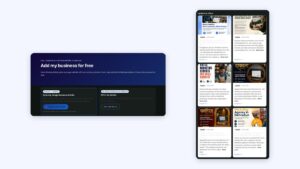
Services synced from our Google Business Profile. Screenshot: Amica Directory, 19 Nov 2026.
Show your services on your own page
Show them on your own page too. When you add your business to Amica Directory by syncing your Google profile, your services and photos are copied to a free landing page and kept updated daily. You can also add products yourself, with a price if you like; each gets an “Enquire” button.