Google Business Profile Photos: Size, Guidelines, and Why Photos Stay Pending (2026)
By the Amica Solutions Team · Published 19 November 2026 · Google facts checked 19 November 2026 against Google’s own Help pages. Amica Solutions builds Amica Directory and these free tools, so the screenshots are from our own tools and our own listing.
Google Business Profile photos should be JPG or PNG, 10 KB to 5 MB, ideally 720 × 720 px, in focus and well lit without heavy filters. Add a logo, cover photo, shop front, inside, team and work done. Photos stay pending while processing or if the profile is not verified, and can take 24–48 hours to appear.
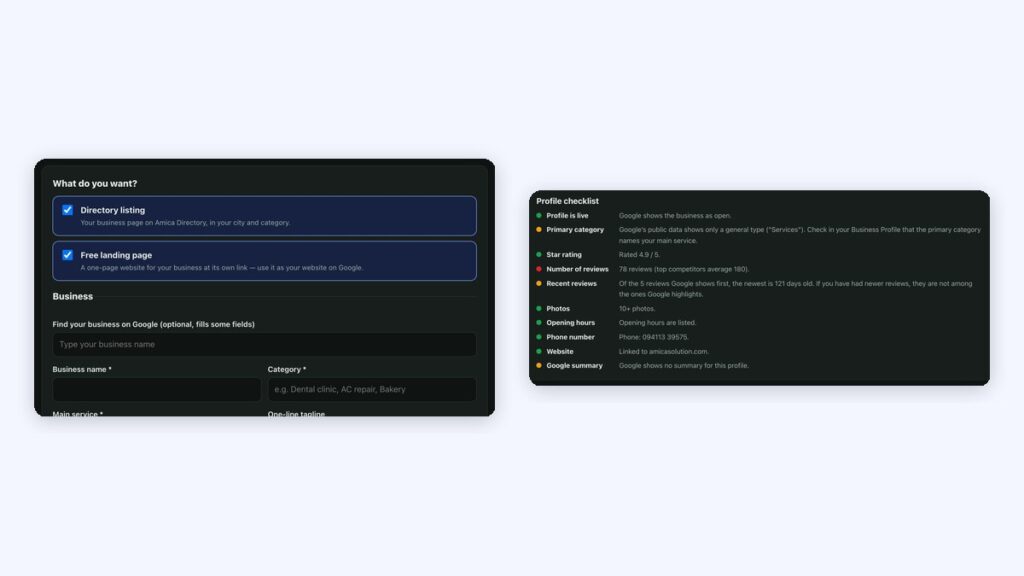
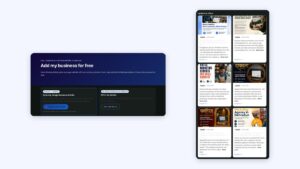
Photo rules on our add-business form (left) and photos in our audit checklist (right). Screenshots: Amica Directory, 19 Nov 2026.
Customers decide with their eyes. A clean shop front and a smiling team often do more than any description.
Key takeaways
JPG/PNG, 10 KB–5 MB, 720×720 recommended.
Logo, cover, front, inside, team, work.
Pending = processing or unverified.
24–48 hours to appear.
Real photos only.
What are Google's photo guidelines?
Google’s photo guidelines: JPG or PNG, between 10 KB and 5 MB, recommended 720 px by 720 px (minimum 250 by 250), in focus and well lit, with no significant alterations or excessive filters (Google Business Profile Help).
Rule
Google’s guideline
Format
JPG or PNG
File size
10 KB to 5 MB
Resolution
720 × 720 px recommended; 250 × 250 px minimum
Quality
In focus, well lit, no heavy filters or alterations
Which photos should you add?
Which photos to add. Google lists a logo, a cover photo and business photos that highlight your features. In practice:
Photo
Why
Shop front with signboard
Customers recognise you on arrival
Inside: counter, seating, waiting area
Shows what to expect
Team at work
Builds trust
Products or work done
Proves what you offer
Parking and entrance
Answers practical questions
On Amica Directory’s add-business form we ask for the same: real photos, shop front first, then inside, team and work done, “No stock images or photos with text.”
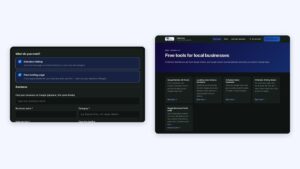
Choose a directory listing, a free landing page, or both, then add your details. Screenshot: Amica Directory, 19 Nov 2026.
Why are photos pending or not approved?
Why photos stay pending or are not approved. Google explains: “Pending” means the media is uploading or processing, or the profile is not verified; “Not approved” means it was flagged for violating policies. Photos can take 24 to 48 hours to appear. If an upload is missing, check whether it is a duplicate. A missing logo can mean the profile lacks a name, valid address, categories, phone or opening hours (Google Help).
Keep photos fresh
Keep photos fresh. Our audit counts your photos (our own checklist showed 10+), and our management plans keep photos, products and services up to date every month.