Google Business Profile Offer and Event Posts: How to Create Them and Make Them Work (2026)
By the Amica Solutions Team · Published 19 November 2026 · Google facts checked 19 November 2026 against Google’s own Help pages. Amica Solutions builds Amica Directory and these free tools, so the screenshots are from our own tools and our own listing.
Create Offer and Event posts from your Business Profile: Posts, then Add post, choose Offer or Event, and add a title, dates, a real photo, details, and for offers a coupon code and terms. Keep every offer real and dated, link it to a Call or WhatsApp button, and never tie an offer to reviews.
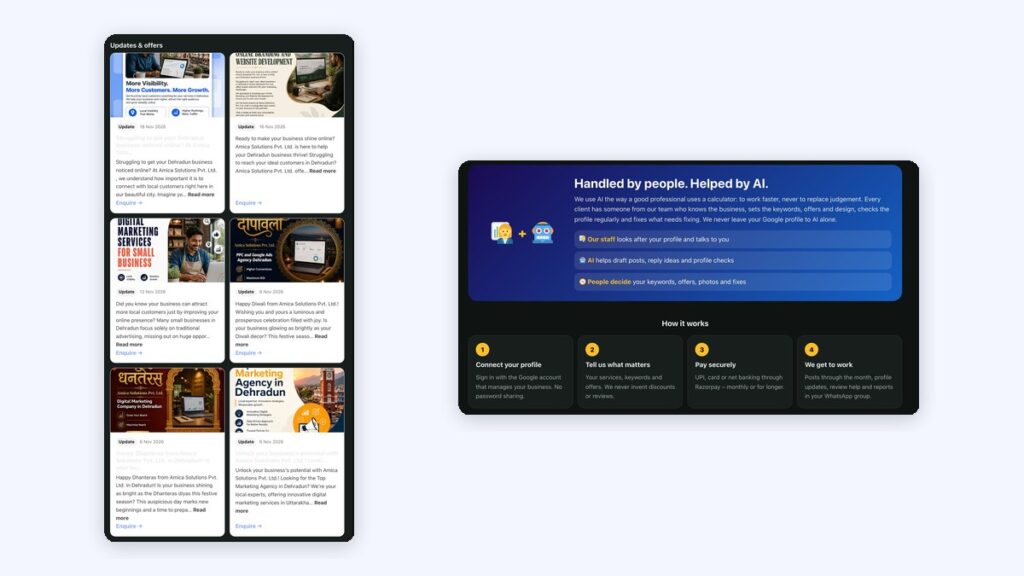
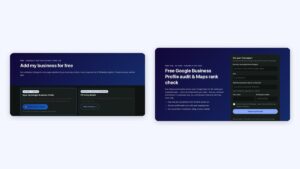
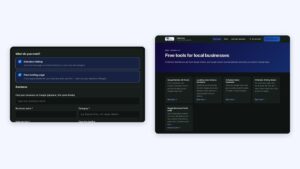
Festival posts on our own profile (left) and how our plans work (right). Screenshots: Amica Directory, 19 Nov 2026.
An offer with a date gives a customer a reason to call this week rather than “sometime”. Festivals, seasons and new batches are natural moments for it.
Key takeaways
Offers and Events are built-in post types.
Always add dates.
Real photos, real offers.
Use festivals and seasons.
No offers in exchange for reviews.
How do you create an Offer or Event post?
Google describes Offers as “promotional sales or offers from your business” and Events as a way to “Promote an event at your business” (Google Business Profile Help).
Step
What to do
1
Open your Business Profile, select Posts, then Add post
2
Choose Offer or Event
3
Add a title, start and end dates (and times for events), a photo and details
4
For offers: add a coupon code, a link and terms if you have them
5
Add a button such as Call or Learn more; schedule or post now
Festival and seasonal examples
Festival and seasonal examples for India:
When
Business
Post
Diwali
Sweet shop
Offer: “Gift boxes from ₹499, pre-order on WhatsApp till 30 Oct”
Summer start
AC repair
Offer: “AC service + gas check, book before 15 April”
New session
Coaching
Event: “Free demo class for NDA batch, 5 May, 4 pm”
Wedding season
Salon
Offer: “Bridal trial booking open for December”
Health day
Clinic
Event: “Free BP and sugar check camp, Sunday 9 am–1 pm”
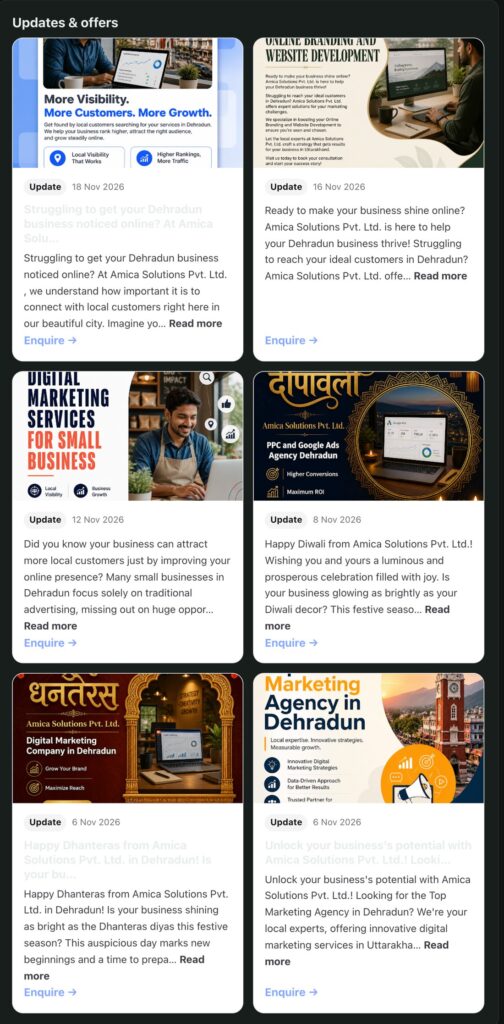
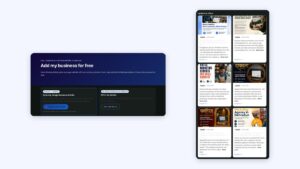
Our own Google posts, synced to our landing page on the directory. Screenshot: Amica Directory, 19 Nov 2026.
What mistakes should you avoid?
Mistakes to avoid: offers you do not really run, missing end dates, stock photos with heavy text, and offers in exchange for reviews (Google’s policy does not allow incentives for reviews, content policy). Keep the offer real, dated and easy to claim by phone or WhatsApp. Our plans include 2 to 5 offer posts a month and event posts when you run one, and “We never invent discounts or reviews.”
How do I create an offer post on Google Business Profile?
Open your profile, choose Posts, then Add post, select Offer, add title, dates, photo, details, and optionally a coupon code, link and terms, then post.
How long does an offer post stay up?
Until the end date you set. Google archives posts older than 6 months unless a date range is set.
Can I add a coupon code?
Yes. Offer posts can include a coupon code and terms.
Can I offer a discount for Google reviews?
No. Google’s policy does not allow incentives in return for reviews.
What is an event post?
A post promoting an event at your business, with a start and end date and time.